OPPO
ColorOS Platform
Android Framework Engineer on OPPO's ColorOS platform team, focused on device security, system initialization, and activation workflows.
- Role
- Android Framework Engineer
- Dates
- Dates will be added.
- Android
- Java
- Android Framework
- System Services
Some implementation details have been omitted because this work was completed on proprietary commercial products.
01
Background
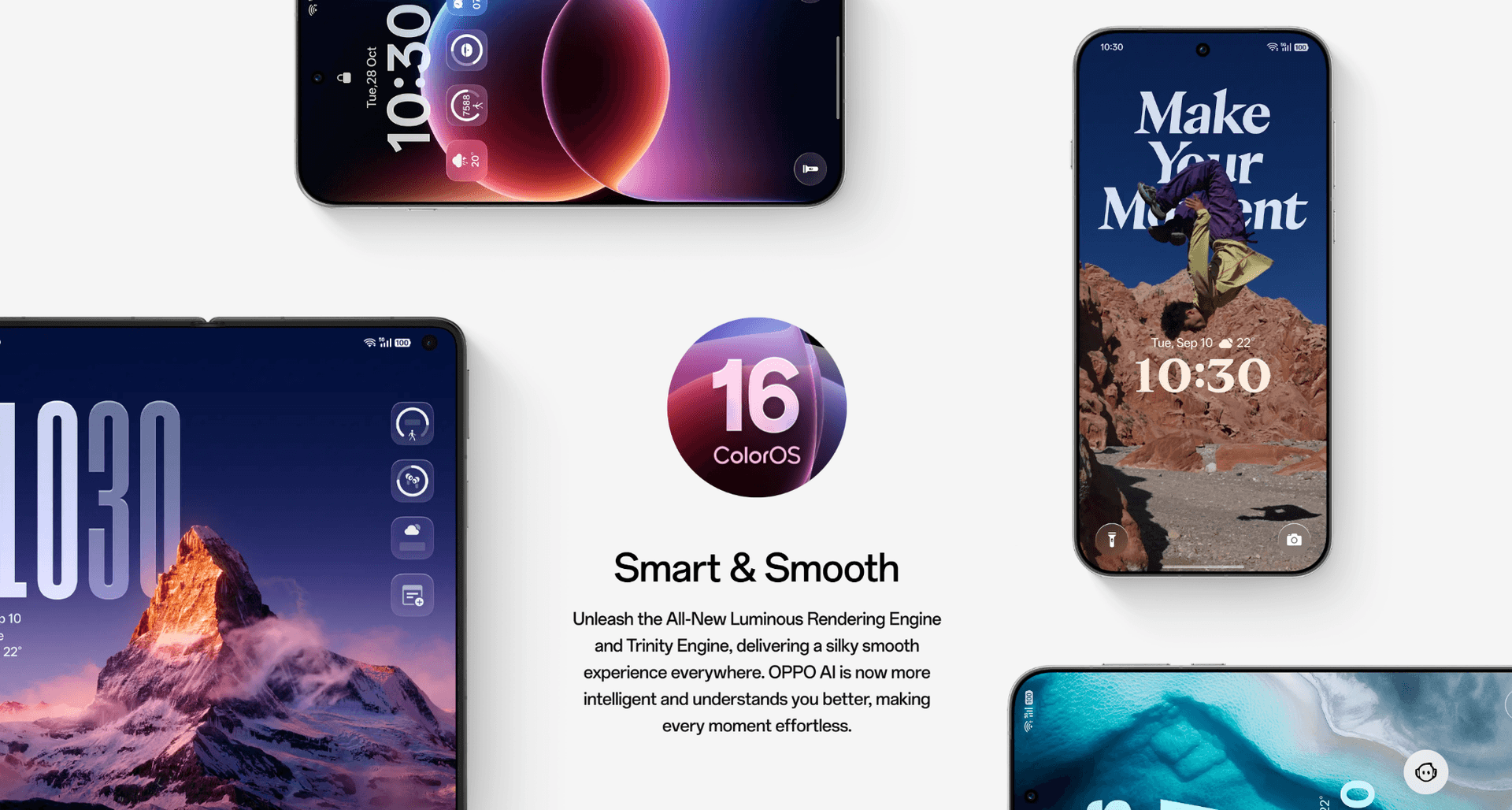
ColorOS
ColorOS is OPPO's customized Android operating system. It powers smartphones, tablets, foldables, smart devices, and cross-device experiences throughout the OPPO ecosystem.
My Role
As an Android Framework Engineer on the ColorOS platform team, my responsibilities spanned Android framework development, platform-level system functionality, device security features, and cross-device connectivity — supporting phones, tablets, PCs, and TVs. I contributed to both new feature development and UI modernization for newer Android platform releases, working closely with Product Managers, UI/UX designers, and QA engineers throughout.
02
Device Lock Workflow
- Background
- Device theft and unauthorized resale are an ongoing risk for any consumer phone manufacturer, particularly when a device changes SIM cards or is reactivated outside its original account.
- Business Requirement
- Prevent unauthorized device usage after SIM replacement or activation changes.
- My contribution
- I implemented framework-level logic that runs during system boot and SIM state changes, coordinating between initialization, carrier validation, and the device lock state.
- High-level Technical Implementation
- The feature hooks into the Android framework's boot and SIM-ready lifecycle events, validates carrier and activation state against secure device records, and triggers a lock state with a corresponding user notification when validation fails.
- Outcome
- Reduced the window during which a lost or stolen device could be reactivated on another carrier account, without adding noticeable delay to normal boot and setup flows.
- Stage 01Boot
- Stage 02Framework Initialization
- Stage 03SIM Ready
- Stage 04Carrier Validation
- Stage 05Device Lock
- Stage 06User Notification
03
Unauthorized SIM Detection
- Background
- Beyond the initial activation check, the system needed to react any time a SIM was swapped after setup, not just at first boot.
- Business Requirement
- Detect and respond to SIM changes that may indicate unauthorized device use, after the device has already been activated.
- My contribution
- I built the framework service that listens for SIM state broadcasts and re-runs the security verification pipeline used during activation.
- High-level Technical Implementation
- A broadcast receiver observes SIM state changes and hands off to a framework service, which re-validates the new SIM against stored security state before deciding whether to lock the device.
- Outcome
- Closed a gap where a device could pass activation but later have its SIM swapped without any further validation.
- Stage 01SIM Changed
- Stage 02Broadcast Receiver
- Stage 03Framework Service
- Stage 04Security Verification
- Stage 05Device Lock
04
O+ Connect
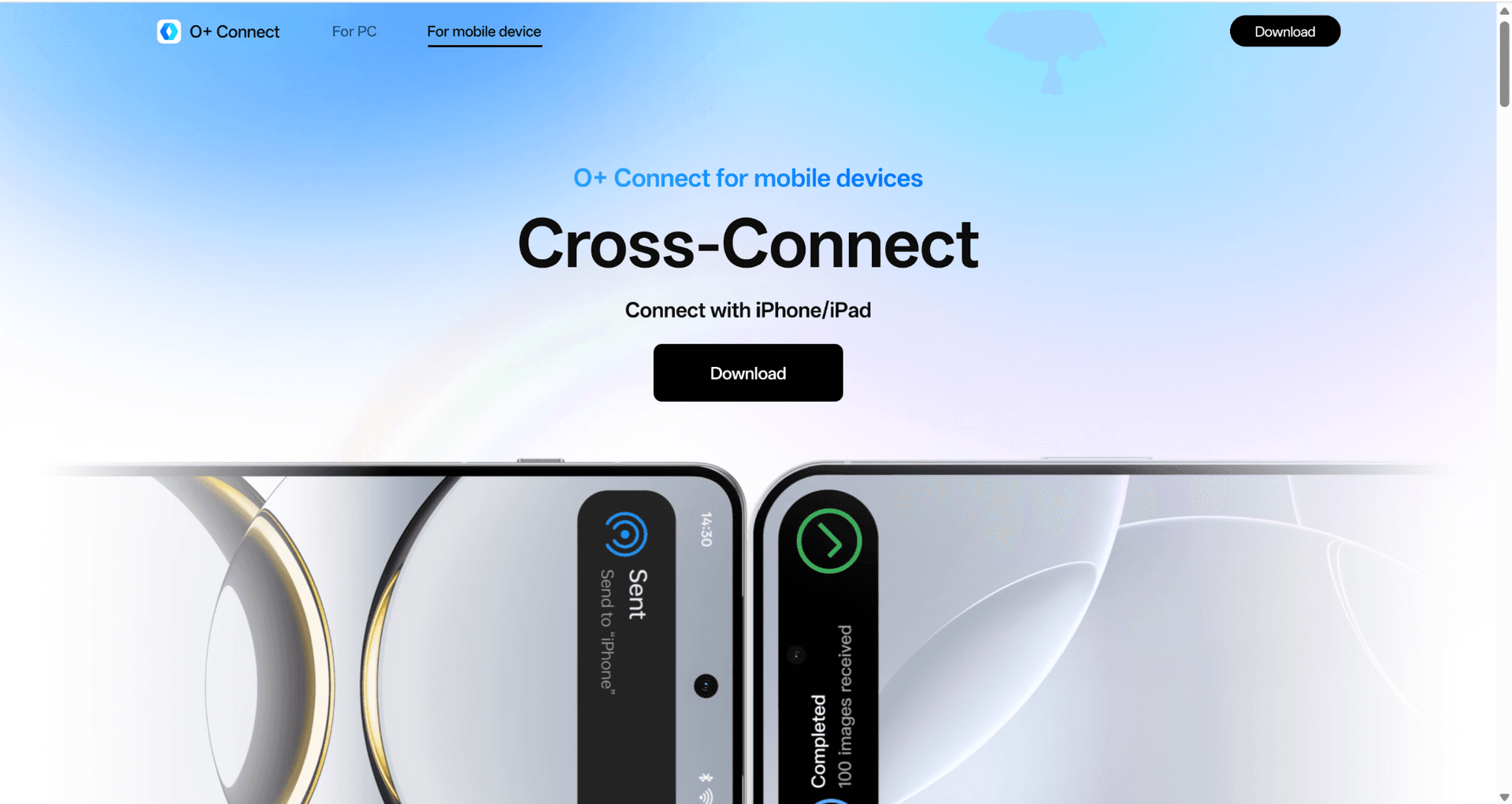
O+ Connect
O+ Connect is OPPO's cross-device ecosystem platform, enabling seamless collaboration between phones, tablets, PCs, and TVs — including device discovery, cross-device login, nearby connection, notification synchronization, clipboard sharing, and file transfer.
- Background
- Modern users increasingly expect seamless interaction between their multiple personal devices. Cross-device continuity became an important product direction for improving productivity and user experience across the OPPO ecosystem.
- Business Requirement
- Provide a consistent cross-device experience across phones, tablets, PCs, and TVs, while ensuring reliable discovery, pairing, and collaboration between devices.
- My contribution
- I developed Android framework features supporting OPPO's cross-device ecosystem, working across phones, tablets, PCs, and TV devices. I supported multiple cross-device capabilities including cross-device login, device discovery, nearby connection, notification synchronization, clipboard sharing, and file transfer, and participated in UI modernization for tablet connectivity features when adapting to newer Android platform versions. Throughout, I collaborated closely with Product Managers, UI/UX designers, and QA engineers.
- High-level Technical Overview
- Multiple Android devices cooperate to establish trusted connections, enabling seamless discovery, pairing, and collaboration across the ecosystem — from unlocking a tablet with a nearby phone to sharing files, clipboard content, and notifications between devices.
- Outcome
- Improved cross-device user experience and consistency across device categories, supported ecosystem expansion to tablets and larger-screen devices, and delivered redesigned tablet interaction experiences for newer Android releases.